Picksights
Controllers · Charging Stations

Best PS5 Controller Charging Station

The DualSense's battery life (roughly 5-6 hours) is one of the PS5's known weak points — and GTA VI's open world is exactly the kind of game that outlasts it. A charging dock keeps a spare controller topped up without tying up a console USB port.

Updated 2026-07-291 min read
Setting up for GTA VI? This ranking is part of our GTA VI setup collection — every guide we’ve published for the launch, in one place.

Picksights may earn a commission if you buy through links on this page. This never affects which products we rank higher — our Picksights Score is calculated from published specs before any affiliate relationship is considered. See our ranking methodology below.

As an Amazon Associate, Picksights earns from qualifying purchases.

Quick comparison

Ranked by Picksights Score. Prices are approximate and change frequently.
ProductPicksights ScoreFromBest for
#1 · NexiGo NexiGo Enhanced PS5 Controller Charger7.9/10$17Best budget
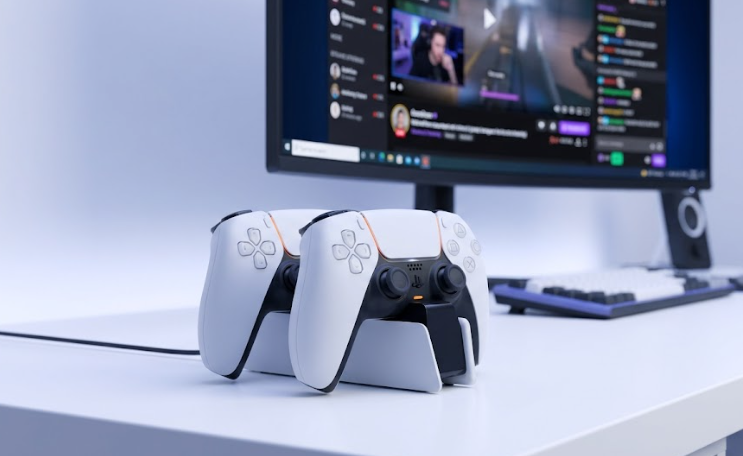
#2 · Sony Sony DualSense Charging Station7.8/10$29.99Best official option
#3 · PowerA PowerA Twin Charging Station7.5/10$24.99Best value
#4 · Razer Razer Quick Charging Stand for PS56.6/10$39.99Best premium single-controller stand

Swipe the table sideways to see every column.

Top pick

NexiGo NexiGo Enhanced PS5 Controller Charger

NexiGo

Number 1: NexiGo Enhanced PS5 Controller Charger

PS7.9/10

Best budget

The pick if you just want the battery problem solved as cheaply as possible — reviewers consistently note it charges fast for the price, even if it won't win any style points next to your PS5.

Pros

  • The cheapest 2-slot option in this ranking, often under $20
  • Includes a bonus thumb grip kit at no extra cost
  • Built-in protection chip against overcharging and short circuits

Cons

  • Build quality is noticeably more plasticky than the Sony or Razer stations
  • Not officially licensed by Sony

From $17Approximate — prices change

See current price(opens in a new tab)

Sources: 9to5Toys (April 29, 2024)Last checked by Picksights 2026-07-29

Sony Sony DualSense Charging Station
PS7.8/10

Best official option

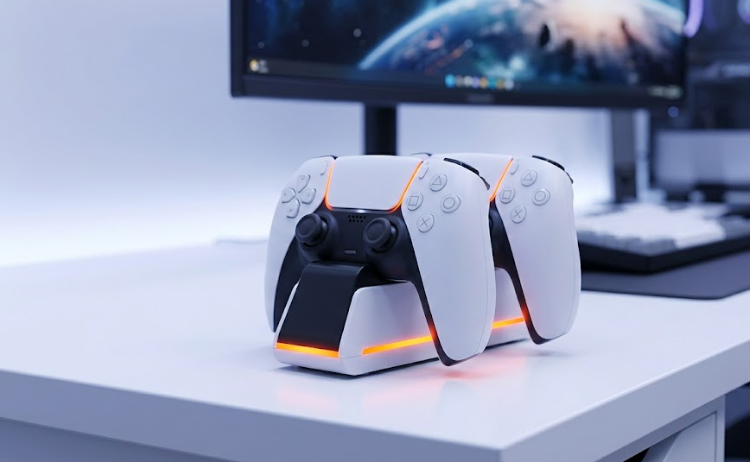
The safe, no-surprises pick — official Sony hardware that frees up your console's USB ports and charges at full speed. If you own exactly two DualSense controllers, there's little reason to look elsewhere.

Pros

  • Charges 2 controllers at once, at the same speed as plugging into the PS5 itself
  • Click-in design — no fumbling with cables or connectors
  • Officially licensed, color-matched to the console; also charges DualSense Edge

Cons

  • Only 2 charging slots — no headroom if you own 3+ controllers
  • Needs its own AC adapter, not powered off the console

From $29.99Approximate — prices change

See current price(opens in a new tab)

Sources: PlayStation Direct (2026) · Best Buy listing (2025)Last checked by Picksights 2026-07-29

PowerA PowerA Twin Charging Station

PowerA

Number 3: PowerA Twin Charging Station

PS7.5/10

Best value

Does the same job as the official Sony station — charge two controllers, keep them tidy — for several dollars less, with a real warranty behind it. The pragmatic pick if styling doesn't matter to you.

Pros

  • Officially licensed, with a 2-year limited warranty
  • Simple tabletop design with a clear LED charge indicator
  • Noticeably cheaper than the Sony and Razer options, with the same 2-slot capacity

Cons

  • Charging speed isn't specified as matching console-direct speed
  • Plainer look than the Sony or Razer options

From $24.99Approximate — prices change

See current price(opens in a new tab)

Sources: Best Buy listing (2026)Last checked by Picksights 2026-07-29

Razer Razer Quick Charging Stand for PS5

Razer

Number 4: Razer Quick Charging Stand for PS5

PS6.6/10

Best premium single-controller stand

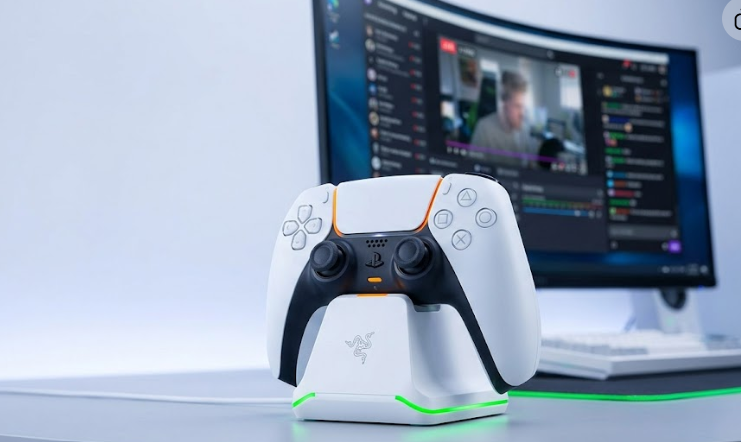
A style pick more than a practical one — it looks the best sitting next to a PS5, but charging only one controller at nearly the price of the Sony 2-slot station is a real tradeoff. Best for a single-controller household that cares about aesthetics.

Pros

  • Color-matched to DualSense's galaxy colorways, premium curved cradle design
  • One-handed PS5 menu navigation while the controller stays docked and charging
  • Full charge in under 3 hours

Cons

  • Charges only 1 controller at a time — the most expensive per-slot option here by far
  • Frequently discounted from its $39.99 list price, so check current pricing before buying

From $39.99Approximate — prices change

See current price(opens in a new tab)

Sources: GameStop (2026) · TechRadar (2025)Last checked by Picksights 2026-07-29

How we rank

Picksights methodology

Picksights Score is a weighted average of 4 criteria, scored from the specs and review findings published by the sources cited on each product. For controller chargers, the weights are:

Charging speed

30% of score

Capacity (controllers charged at once)

25% of score

Build quality

20% of score

Price-to-value within this comparison

25% of score

FAQ

Do I actually need a charging dock, or can I just plug the controller into the PS5?

Plugging in works fine, but it ties up one of the PS5's few USB ports and means keeping a cable running to your controller. A dock frees the port and lets you charge a spare controller while you're playing with the other — useful for GTA VI's long open-world sessions where a mid-mission dead battery is a real annoyance.

Does this apply to Xbox controllers too?

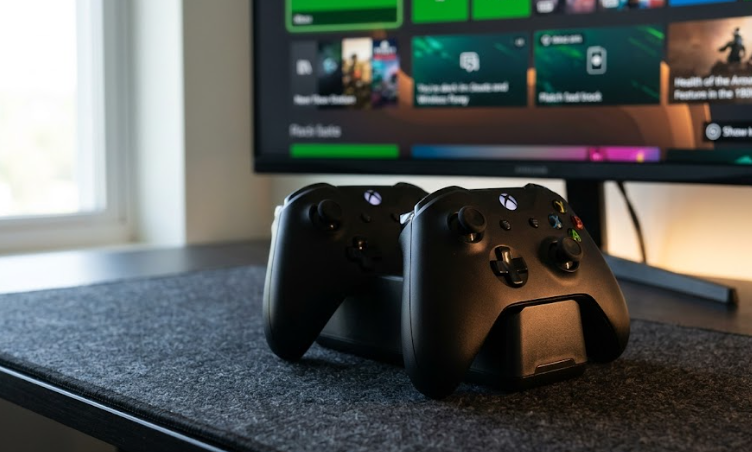
No — this ranking is PS5 DualSense-specific. Xbox Series X/S controllers ship with either AA batteries or an optional rechargeable battery pack, which is a different product and a different buying decision than a charging dock.

Related guides

Also worth a look