Picksights
Storage · Console SSDs

Best SSD for PS5 and Xbox Series X

Storage expansion works completely differently on each console: PS5 takes a self-installed M.2 NVMe drive, Xbox Series X/S takes a proprietary plug-in expansion card. Neither is a substitute for the other, so — like our controller guide — this is two rankings, one per platform.

Updated 2026-07-291 min read

Rockstar has not published an official GTA VI install size — treat any figure you see elsewhere as a rumor.

Setting up for GTA VI? This ranking is part of our GTA VI setup collection — every guide we’ve published for the launch, in one place.

Picksights may earn a commission if you buy through links on this page. This never affects which products we rank higher — our Picksights Score is calculated from published specs before any affiliate relationship is considered. See our ranking methodology below.

As an Amazon Associate, Picksights earns from qualifying purchases.

PlayStation 5

Ranked by Picksights Score. Prices are approximate and change frequently.
ProductPicksights ScoreFromBest for
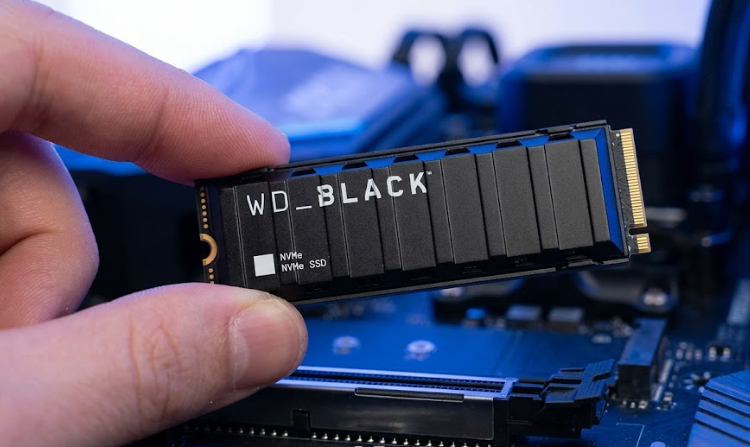
#1 · WD_BLACK WD_BLACK SN850X 2TB8.7/10$124Best value / most storage per dollar
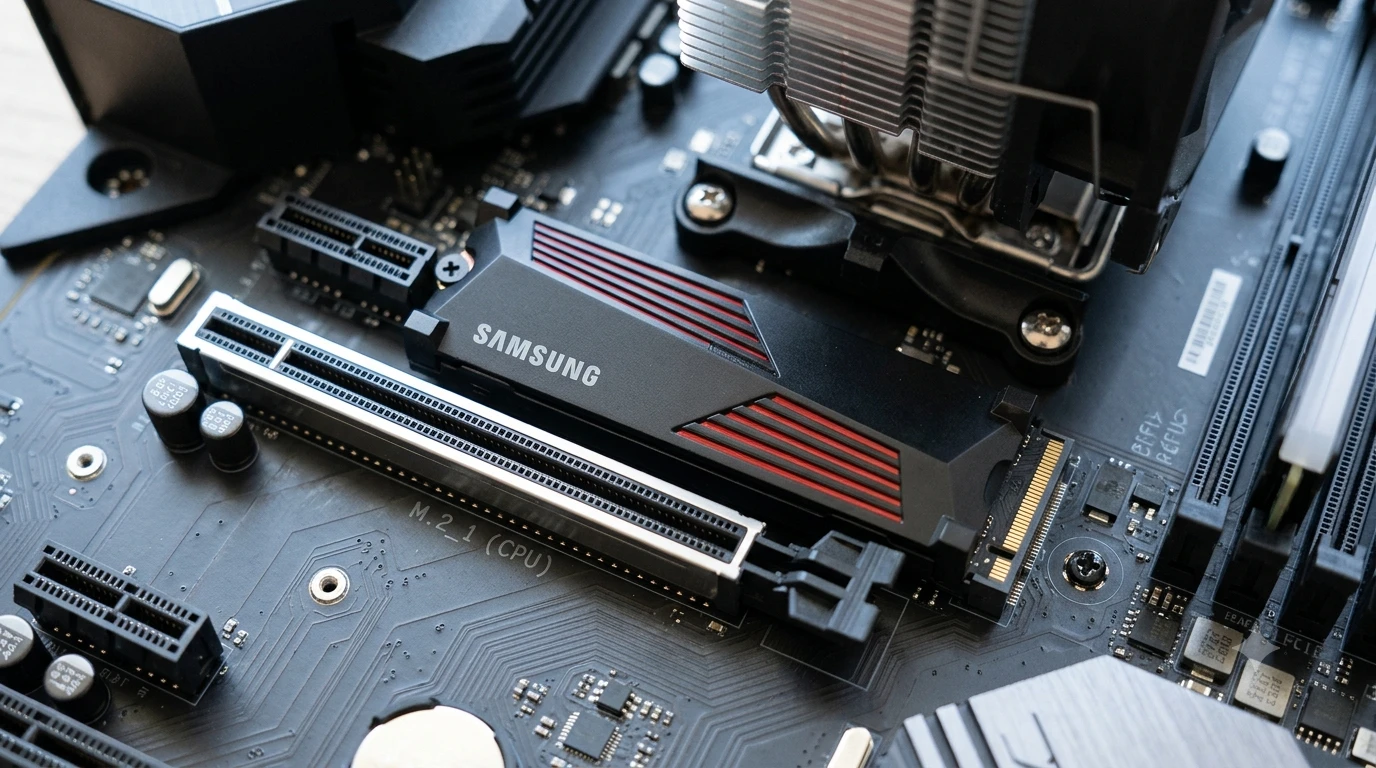
#2 · Samsung Samsung 990 PRO with Heatsink 2TB8.4/10$180Best performance
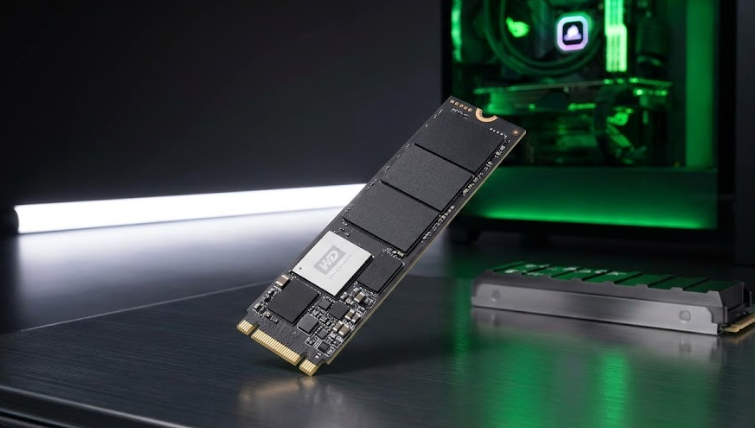
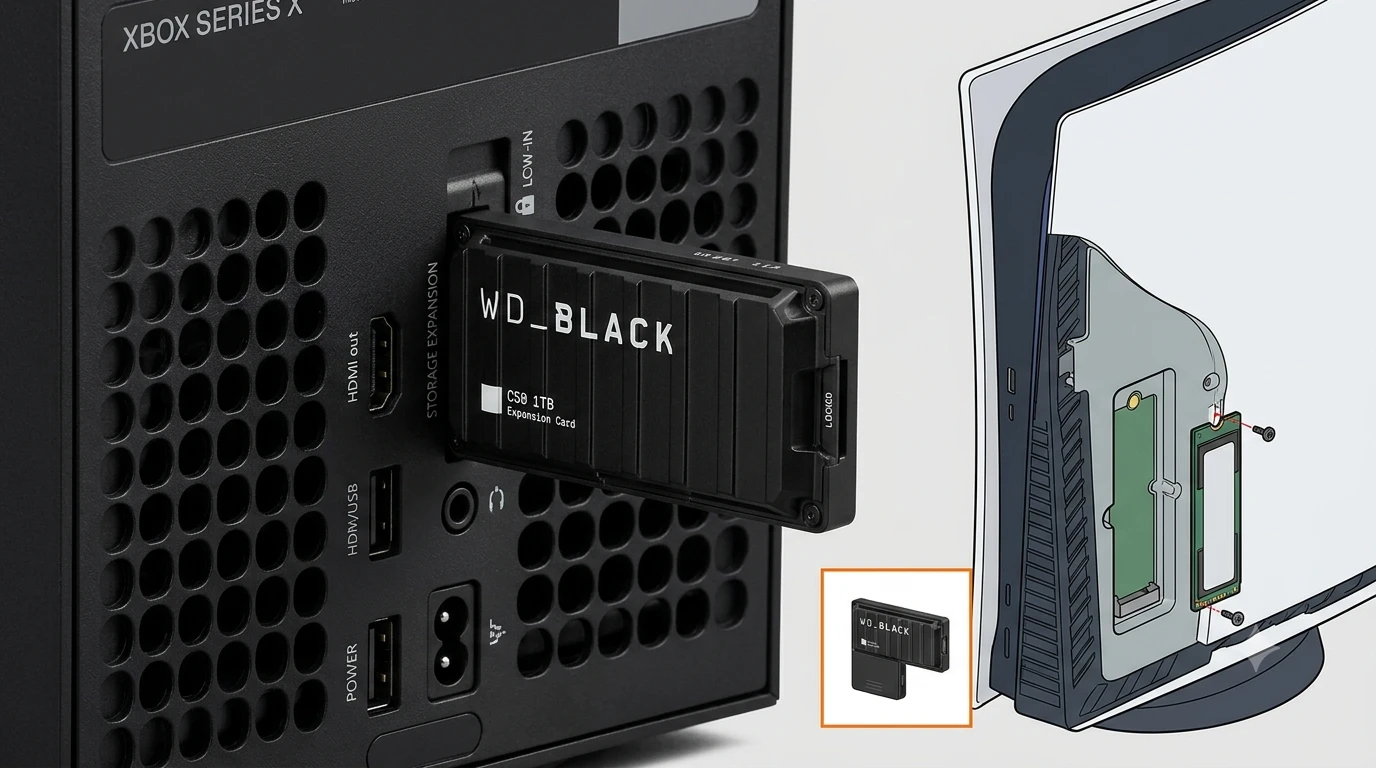
#3 · WD_BLACK WD_BLACK SN850P 1TB8.2/10$99.99Best officially licensed

Swipe the table sideways to see every column.

Top pick

WD_BLACK WD_BLACK SN850X 2TB

WD_BLACK

Number 1: WD_BLACK SN850X 2TB

PS8.7/10

Best value / most storage per dollar

By our weighting this beats the officially-branded SN850P — you're paying for a Sony logo on the SN850P, not a functionally different drive, per our source. Double the storage for a modest premium is the better trade for most GTA VI-sized libraries.

Pros

  • 2TB for about $25 more than the 1TB officially-licensed SN850P
  • Same underlying drive architecture as the SN850P, per our source
  • PCIe Gen4 speeds comfortably above Sony's 5,500 MB/s requirement

Cons

  • Not PS5-licensed branding — you're relying on independent confirmation of heatsink fit, not Sony's own certification

From $124Approximate — prices change

See current price(opens in a new tab)

Sources: Tom's Hardware (2026-06-23)Last checked by Picksights 2026-07-29
Samsung Samsung 990 PRO with Heatsink 2TB
PS8.4/10

Best performance

The fastest option here and the least fiddly of the non-licensed drives, because the heatsink is already the right shape for the bay. Whether it is worth the premium over the SN850X depends entirely on what each is selling for the week you buy — the performance gap is real but small.

Pros

  • 7,450 MB/s sequential read — the fastest drive in this comparison
  • Heatsink preinstalled and dimensioned for the PS5 expansion bay
  • Samsung states PS5 compatibility directly, so there is no guesswork about fit

Cons

  • Costs meaningfully more than the WD_BLACK SN850X at the same capacity
  • Pricing has been volatile — it swings widely between sales

From $180Approximate — prices change

See current price(opens in a new tab)

Sources: Tom's Hardware (2026-06-23) · TechRadar (PS5 SSD review coverage) (2025)Last checked by Picksights 2026-07-29
WD_BLACK WD_BLACK SN850P 1TB

WD_BLACK

Number 3: WD_BLACK SN850P 1TB

PS8.2/10

Best officially licensed

The zero-thinking option — officially licensed, heatsink included, guaranteed to fit. If 1TB of extra space is enough for you, this is the least risky way to spend $99.99.

Pros

  • Officially licensed for PS5 — heatsink fit is pre-verified, zero guesswork
  • 7,300 MB/s read speed, comfortably above Sony's requirement
  • Currently around $99.99 — the officially-branded PS5 SSDs have gotten much cheaper

Cons

  • Only available at 1TB in this price range — GTA VI plus your existing library may need more
  • Our source notes it's functionally the same drive as the non-PS5-branded SN850X, just with PS5 packaging and a different heatsink

From $99.99Approximate — prices change

See current price(opens in a new tab)

Sources: GamesRadar+ (2026-01-15) · Tom's Hardware (2026-06-23)Last checked by Picksights 2026-07-29
Xbox Series X/S

Ranked by Picksights Score. Prices are approximate and change frequently.
ProductPicksights ScoreFromBest for
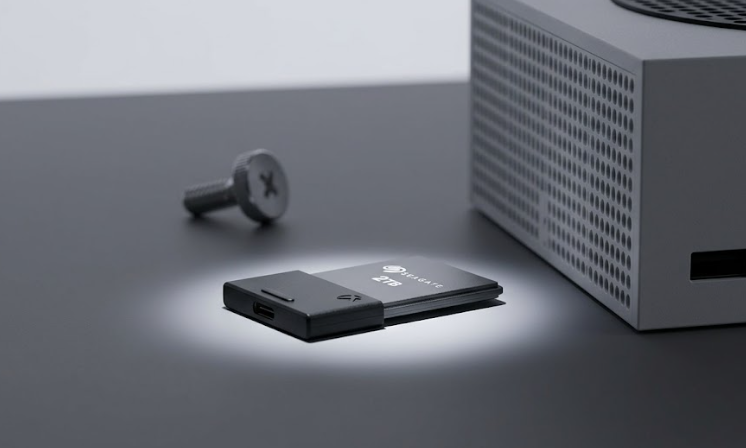
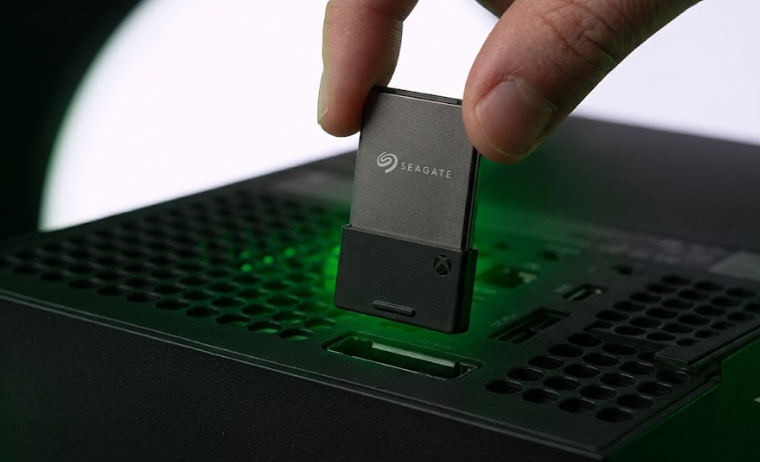
#1 · Seagate Seagate Storage Expansion Card for Xbox Series X|S (2TB)8.3/10$259.99Best for large libraries
#2 · WD_BLACK WD_BLACK C50 Expansion Card for Xbox Series X|S (1TB)7.8/10$149.99Best value
#3 · Seagate Seagate Storage Expansion Card for Xbox Series X|S (1TB)7.6/10$155Best for most players

Swipe the table sideways to see every column.

Top pick

Seagate Seagate Storage Expansion Card for Xbox Series X|S (2TB)

Seagate

Number 1: Seagate Storage Expansion Card for Xbox Series X|S (2TB)

PS8.3/10

Best for large libraries

If you already know you delete games to make room regularly, this is the one to buy — the cost-per-GB is clearly better than the 1TB card, and there's no cheaper way to get certified Xbox Series X|S expansion storage at this capacity.

Pros

  • Meaningfully better cost-per-GB than the 1TB card
  • Same plug-and-play install and full Velocity Architecture support as the 1TB model
  • Room for GTA VI plus a large existing library without managing installs

Cons

  • Roughly $100 more than the 1TB card at current pricing

From $259.99Approximate — prices change

See current price(opens in a new tab)

Sources: Windows Central (2024-11-06)Last checked by Picksights 2026-07-29

WD_BLACK WD_BLACK C50 Expansion Card for Xbox Series X|S (1TB)

Best value

The arrival of this card is the reason Xbox storage stopped being a one-brand market. Performance is indistinguishable from Seagate's — both match the internal drive — so the decision comes down to price, and this one usually undercuts it. Buy whichever is cheaper on the day.

Pros

  • Functionally identical performance to the Seagate card, including Quick Resume support
  • Consistently cheaper than Seagate at the same capacity
  • Available in 512GB, 1TB and 2TB, so there is a genuine entry point

Cons

  • Still far more expensive per gigabyte than a standard NVMe drive
  • Proprietary format — it works only in an Xbox Series X|S expansion port

From $149.99Approximate — prices change

See current price(opens in a new tab)

Sources: GamesRadar+ review (2025-04-01) · Windows Central review (2023-11-15)Last checked by Picksights 2026-07-29

Seagate Seagate Storage Expansion Card for Xbox Series X|S (1TB)

Seagate

Number 3: Seagate Storage Expansion Card for Xbox Series X|S (1TB)

PS7.6/10

Best for most players

Unlike the PS5 side of this guide, there's no DIY option here — a generic external SSD can store Xbox Series X|S games but can't run them at full performance. This is the only real choice for expanding playable storage; the question is just which capacity.

Pros

  • Plug-and-play — no tools or disassembly, unlike PS5's internal M.2 install
  • Matches the Xbox Series X/S internal SSD's speed and Velocity Architecture support exactly
  • Officially licensed — the only certified way to play Xbox Series X|S-optimized games from expanded storage

Cons

  • Proprietary — this card only works in an Xbox Series X/S, unlike a generic external drive
  • 1TB may not be enough alongside GTA VI and an existing library

From $155Approximate — prices change

See current price(opens in a new tab)

Sources: Windows Central (2024-11-06)Last checked by Picksights 2026-07-29

How we rank

Picksights methodology

Picksights Score is a weighted average of 4 criteria, applied separately within each platform:

Speed

30% of score

Ease of setup

20% of score

Price-to-value within this comparison

25% of score

Capacity-per-dollar

25% of score

FAQ

How big is the GTA VI install size?

Rockstar hasn't published an official install size for GTA VI. Figures circulating online (some around 200GB) are rumors, not confirmed specs — we don't treat them as fact.

Can I use a regular external hard drive to play GTA VI on PS5 or Xbox?

No, on either platform. External drives can store PS5/Xbox Series X games but can't run current-gen games directly — you need an internal M.2 NVMe drive on PS5, or a certified Xbox Storage Expansion Card on Xbox Series X/S.

Do I need a heatsink for a PS5 SSD?

Yes. The PS5's M.2 slot has no built-in way to dissipate heat, so an SSD without a heatsink can overheat. Some drives, like the WD_BLACK SN850P, include one designed to fit; others require buying a separate heatsink that fits within the slot's height limit.

Related guides and comparisons

Also worth a look