Picksights
Displays · Monitors

Best Gaming Monitor for PS5 and Xbox Series X

PS5 and Xbox Series X/S both output up to 4K/120Hz over HDMI 2.1 with VRR. A monitor without genuine HDMI 2.1 input can't pass that through, regardless of its marketing. Ranked below on real, confirmed connectivity and gaming performance.

Updated 2026-07-291 min read
Setting up for GTA VI? This ranking is part of our GTA VI setup collection — every guide we’ve published for the launch, in one place.

Picksights may earn a commission if you buy through links on this page. This never affects which products we rank higher — our Picksights Score is calculated from published specs before any affiliate relationship is considered. See our ranking methodology below.

As an Amazon Associate, Picksights earns from qualifying purchases.

Quick comparison

Ranked by Picksights Score. Prices are approximate and change frequently.
ProductPicksights ScoreFromBest for
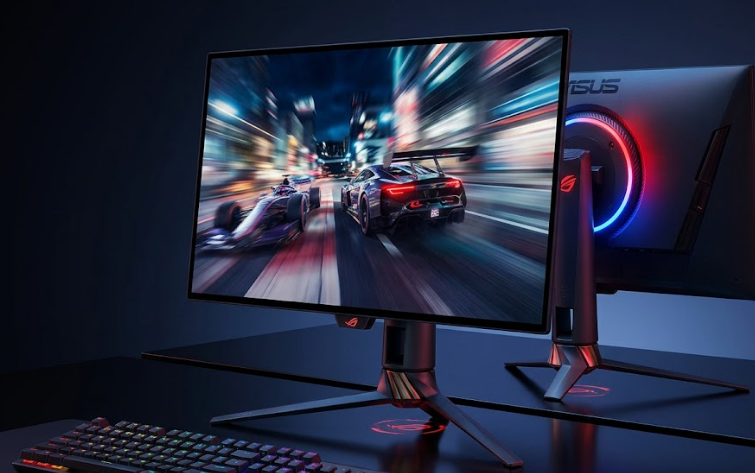
#1 · ASUS ASUS ROG Swift OLED PG27UCDM9.0/10$1199Best overall
#2 · LG LG UltraGear 27GS93QE8.9/10$499.99Best OLED value
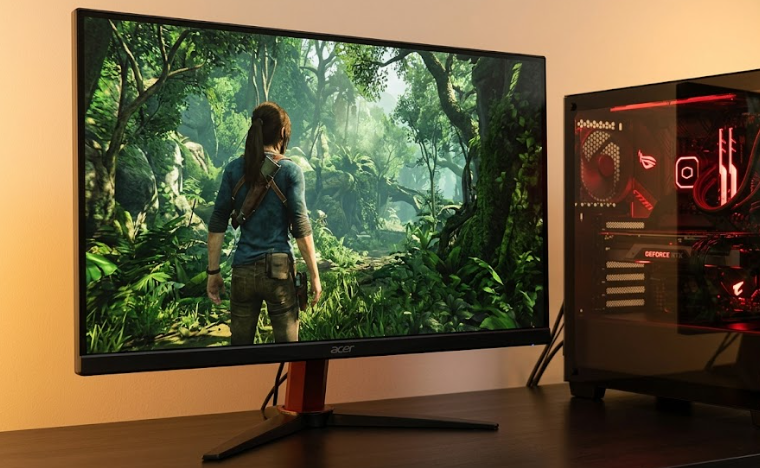
#3 · Acer Acer Nitro XV275K8.3/10$550Best value
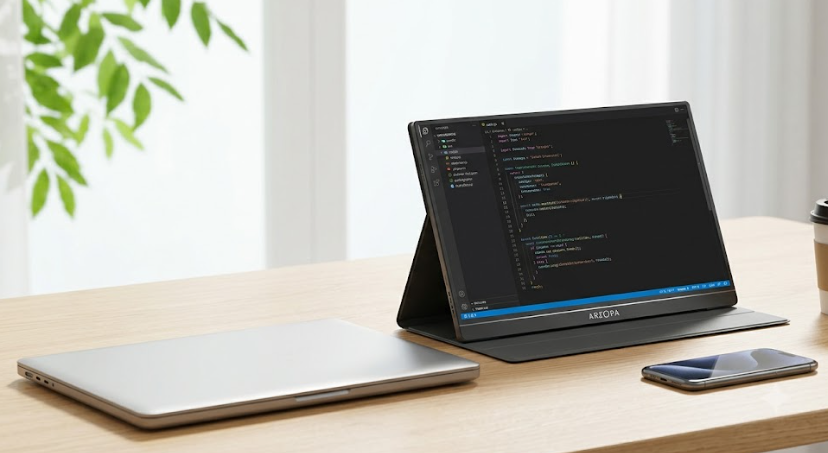
#4 · Arzopa Arzopa M3RC7.9/10$279Best budget

Swipe the table sideways to see every column.

Top pick

ASUS ASUS ROG Swift OLED PG27UCDM
PS9.0/10

Best overall

The best-performing monitor in this set on every gaming metric, but the 240Hz ceiling is wasted on PS5/Xbox Series X today — you're buying it for QD-OLED image quality and the extra connectivity (KVM, USB-C power), not for a console-specific speed advantage.

Pros

  • Tandem QD-OLED panel — best contrast and color in this comparison
  • 240Hz refresh rate, well above what PS5/Xbox Series X output (120Hz)
  • USB-C with 90W power delivery plus a built-in KVM switch

Cons

  • Most expensive option here by a wide margin
  • 240Hz is headroom the consoles can't currently use — you're paying partly for a PC-gaming ceiling

From $1199Approximate — prices change

See current price(opens in a new tab)

Sources: RTINGS.com (2025-03-21) · TFTCentral review (2026-04-01)Last checked by Picksights 2026-07-29
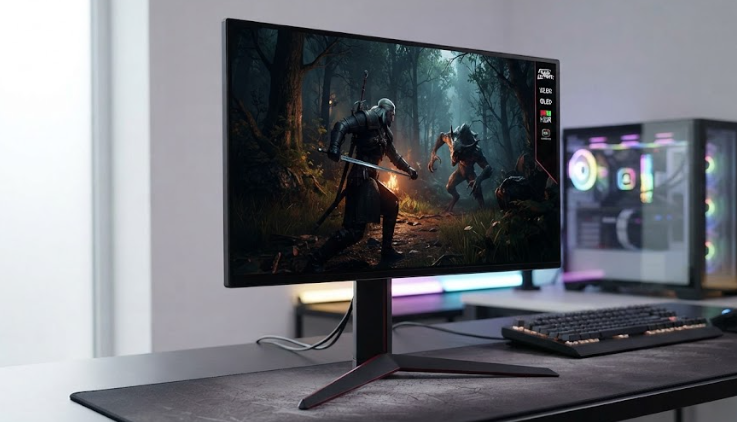
LG LG UltraGear 27GS93QE
PS8.9/10

Best OLED value

The option this ranking lacked between a portable panel and a $1,199 flagship. You give up 4K and the richer port set, and you keep the thing that actually separates OLED from everything else — the contrast. For a console player who is not going to use 240Hz anyway, the resolution drop matters more than the refresh rate does.

Pros

  • OLED contrast at roughly 40% of the price of the ASUS in this ranking
  • 240Hz and 0.03ms response with HDMI 2.1, G-Sync compatibility and FreeSync Premium Pro
  • Height, tilt and pivot adjustment included in the stand

Cons

  • 1440p rather than 4K — a real step down from the other OLED here
  • Like every OLED, susceptible to burn-in with persistent static elements
  • As with the ASUS, the 240Hz ceiling is unusable on PS5 and Xbox Series X, which top out at 120Hz

From $499.99Approximate — prices change

See current price(opens in a new tab)

Sources: Kotaku (2026-06-02) · Gizmodo (2026-05-12)Last checked by Picksights 2026-07-29

Acer Acer Nitro XV275K

Acer

Number 3: Acer Nitro XV275K

PS8.3/10

Best value

The pick if you want genuine 4K/120Hz HDMI 2.1 console gaming without paying OLED prices. Not as sharp in dark, high-contrast scenes as the ASUS, but the gap is far smaller than the price difference.

Pros

  • 4K Mini LED at 160Hz comfortably covers the console 120Hz ceiling
  • Meaningfully cheaper than QD-OLED options while still HDMI 2.1-certified
  • 27" size suits both desk and living-room use

Cons

  • Mini LED contrast doesn't match OLED in dark scenes
  • Source doesn't confirm exact HDMI 2.1 port count, unlike the other two entries here

From $550Approximate — prices change

See current price(opens in a new tab)

Sources: DisplayNinja (2026-01-15)Last checked by Picksights 2026-07-29

Arzopa Arzopa M3RC

Arzopa

Number 4: Arzopa M3RC

PS7.9/10

Best budget

The one to buy if budget is the deciding factor. You're giving up panel quality, not the core console gaming spec — this is a genuine 4K/120Hz HDMI 2.1 display, not a compromised imitation of one.

Pros

  • Two HDMI 2.1 ports — can run a PS5 and Xbox Series X at full 4K/120Hz simultaneously
  • Built-in USB hub
  • By far the cheapest genuine 4K/120Hz HDMI 2.1 option in this comparison

Cons

  • IPS panel — noticeably less contrast than the Mini LED or OLED options above
  • 32" 4K means a lower pixel density than the 27" options at this resolution

From $279Approximate — prices change

See current price(opens in a new tab)

Sources: Tom's Guide (2026-06-01)Last checked by Picksights 2026-07-29

How we rank

Picksights methodology

Picksights Score is a weighted average of 4 criteria, each scored from the specs and findings published by the source cited on each product — not from a copied star rating. For monitors, the weights are:

Image quality (panel type, HDR)

35% of score

Gaming responsiveness (refresh rate ceiling, panel response)

35% of score

Connectivity (confirmed HDMI 2.1 ports/features)

15% of score

Price-to-value within this comparison

15% of score

Unlike our TV ranking, there's no comparable "software experience" criterion for monitors — we'd rather use 4 criteria we can back with real data than add a 5th just to match the TV template.

FAQ

Do I need HDMI 2.1 to play GTA VI at 4K/120Hz on a monitor?

Yes. Both PS5 and Xbox Series X/S require an HDMI 2.1-certified input to output 4K at 120Hz with VRR — HDMI 2.0 caps you at 4K/60Hz or a lower resolution at 120Hz. Several monitors marketed for console gaming don't actually have a real HDMI 2.1 input, so check this specifically rather than trusting a "PS5-ready" label.

Is a 240Hz monitor wasted on PS5 or Xbox Series X for GTA VI?

For raw refresh rate, mostly yes — both consoles output a maximum of 120Hz, so a 240Hz panel isn't giving you extra motion smoothness on console. Where a higher-end panel like the ASUS ROG Swift OLED still helps is image quality (contrast, color) and extra connectivity (USB-C power delivery, KVM switching), not frame rate.

Can I connect two consoles to one monitor for GTA VI?

Only if the monitor has two full-bandwidth HDMI 2.1 ports — a single HDMI 2.1 port plus HDMI 2.0 ports means only one device gets true 4K/120Hz at a time. The Arzopa M3RC in this ranking is confirmed to have two HDMI 2.1 ports, so it can run a PS5 and an Xbox Series X at full spec simultaneously.

Related guides

Also worth a look