Picksights
Streaming · Mics & Webcams

Best Streaming Setup for Console Gaming

Console gameplay is captured with a controller in hand, so there are no keyboard or mouse guides here. What genuinely matters for streaming or recording commentary is a microphone and, optionally, a webcam. Ranked separately below.

Updated 2026-07-291 min read
Setting up for GTA VI? This ranking is part of our GTA VI setup collection — every guide we’ve published for the launch, in one place.

Picksights may earn a commission if you buy through links on this page. This never affects which products we rank higher — our Picksights Score is calculated from published specs before any affiliate relationship is considered. See our ranking methodology below.

As an Amazon Associate, Picksights earns from qualifying purchases.

Microphones

Ranked by Picksights Score. Prices are approximate and change frequently.
ProductPicksights ScoreFromBest for
#1 · Rode Rode NT-USB Mini8.4/10$99Best overall
#2 · Shure Shure MV68.1/10$149Best audio quality
#3 · HyperX HyperX SoloCast8.0/10$40Best budget

Swipe the table sideways to see every column.

Top pick

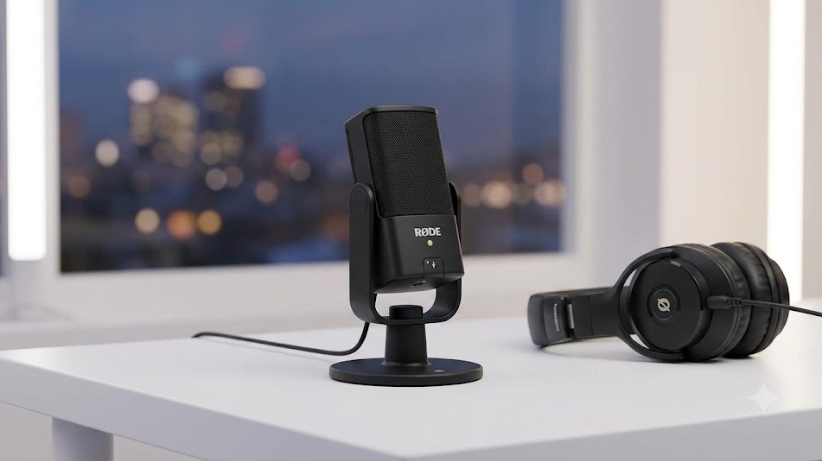
Rode Rode NT-USB Mini

Rode

Number 1: Rode NT-USB Mini

PS8.4/10

Best overall

By our weighting this edges out the pricier Shure MV6 — the headphone monitoring and Rode Connect software add real, usable features the MV6 doesn't match at a lower price.

Pros

  • Zero-latency headphone monitoring — a feature most budget mics skip entirely
  • Rode Connect software mixes up to 4 mics, useful if you ever co-stream
  • Build quality described as a step above competitors at this price

Cons

  • At $99, it's right at the upper edge of what's considered a "budget" USB mic

From $99Approximate — prices change

See current price(opens in a new tab)

Sources: PC Gamer (2026-01-15)Last checked by Picksights 2026-07-29
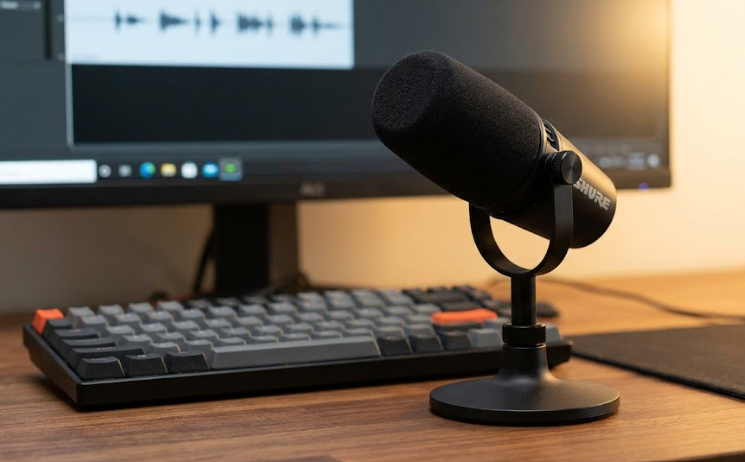
Shure Shure MV6

Shure

Number 2: Shure MV6

PS8.1/10

Best audio quality

The best-sounding option in this comparison and easy to set up — worth the premium if audio quality is your top priority for commentary or streaming.

Pros

  • Auto-levelling noticeably outperforms most desktop mics at this price, per our source
  • Motiv Mix software is straightforward, with noise reduction on by default
  • Compact desktop footprint compared to Shure's larger MV7 line

Cons

  • $149 — the most expensive option here
  • Still a fairly sizeable footprint on a desk despite being more compact than the MV7

From $149Approximate — prices change

See current price(opens in a new tab)

Sources: PC Gamer (2026-01-15)Last checked by Picksights 2026-07-29
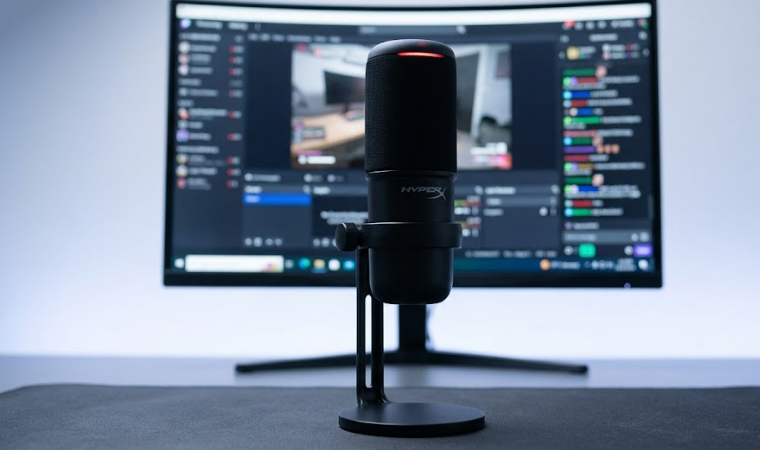
HyperX HyperX SoloCast

HyperX

Number 3: HyperX SoloCast

PS8.0/10

Best budget

If you're not sure streaming or commentary is something you'll stick with, this is the lowest-risk way to find out — clean audio, zero setup friction, minimal cost.

Pros

  • Described by our source as "the best mic for most streamers" on pure value
  • Genuinely plug-and-play, no software required
  • $40 — a fraction of the price of the other two options here

Cons

  • No headphone monitoring
  • Minimal extra features compared to the Rode or Shure options

From $40Approximate — prices change

See current price(opens in a new tab)

Sources: PC Gamer (2026-01-15)Last checked by Picksights 2026-07-29

Webcams

Ranked by Picksights Score. Prices are approximate and change frequently.
ProductPicksights ScoreFromBest for
#1 · OBSBOT OBSBOT Tiny 37.7/10$349Best image quality
#2 · Razer Razer Kiyo V27.6/10$149Best value 4K
#3 · Logitech Logitech Brio 1017.1/10$36Best budget

Swipe the table sideways to see every column.

Top pick

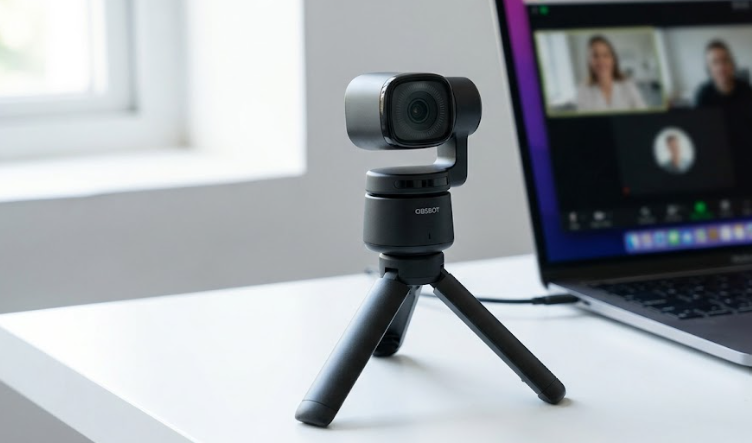
OBSBOT OBSBOT Tiny 3

OBSBOT

Number 1: OBSBOT Tiny 3

PS7.7/10

Best image quality

The clear image-quality winner, and the built-in tracking is a real convenience if you move around while playing. Only worth it if picture quality specifically is your bottleneck — for most streaming setups, audio quality (your microphone) matters more to viewers than webcam resolution.

Pros

  • Called out specifically for the best picture quality in its class by our source
  • Physical pan-tilt-zoom with face tracking — genuinely useful for hands-free framing
  • Built-in 3-mic system means passable audio even without a dedicated microphone

Cons

  • $349 — the most expensive option here by a wide margin
  • No privacy shutter

From $349Approximate — prices change

See current price(opens in a new tab)

Sources: Tom's Guide (2026-06-15)Last checked by Picksights 2026-07-29

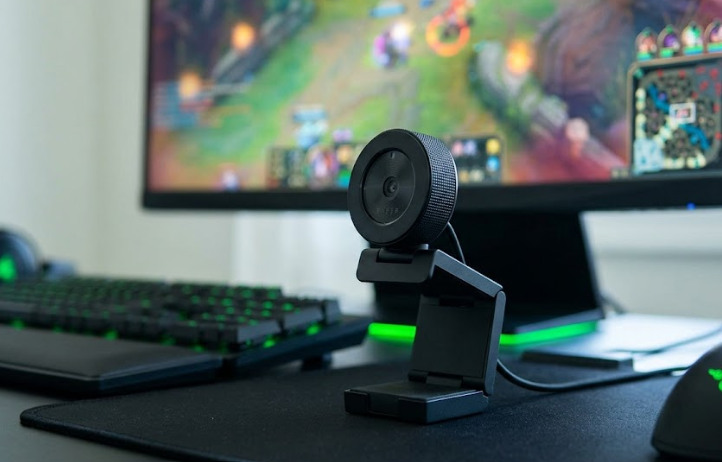
Razer Razer Kiyo V2

Razer

Number 2: Razer Kiyo V2

PS7.6/10

Best value 4K

A reasonable middle ground if you want 4K without paying OBSBOT prices, but be clear on the tradeoff: you're choosing between 4K/30fps or 1080p/60fps, not getting both at once.

Pros

  • 4K resolution at a mid-range price
  • Straightforward setup, no complex companion app required

Cons

  • 4K is capped at 30fps — you have to drop to 1080p for 60fps, per our source
  • No pan-tilt-zoom or advanced face tracking

From $149Approximate — prices change

See current price(opens in a new tab)

Sources: Tom's Guide (2026-06-15)Last checked by Picksights 2026-07-29

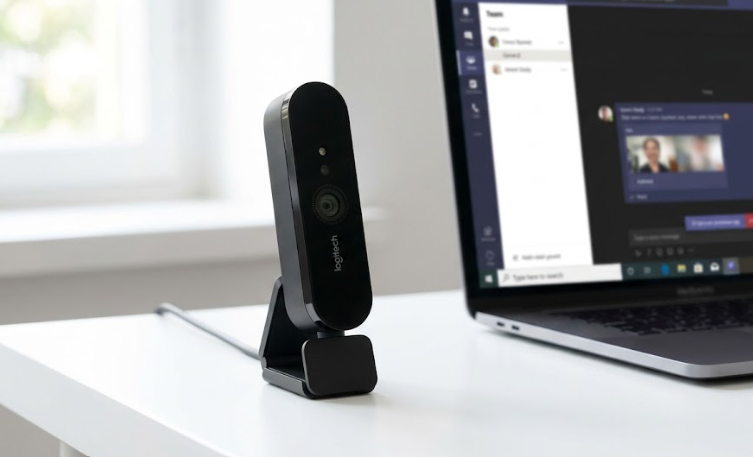
Logitech Logitech Brio 101

Logitech

Number 3: Logitech Brio 101

PS7.1/10

Best budget

Genuinely fine for finding out if you want to be on camera at all before spending more. Once you know streaming is something you'll stick with, the image quality gap to the pricier options becomes obvious fast.

Pros

  • $36 — the cheapest way to add a dedicated webcam to your setup
  • Zero software needed — plug in and you're on camera within 30 seconds, per our source
  • USB-A and USB-C connectivity

Cons

  • Image quality is described as soft, with noisy low-light footage
  • Small 1/3.6" sensor limits performance in anything but good lighting

From $36Approximate — prices change

See current price(opens in a new tab)

Sources: Tom's Guide (2026-06-15)Last checked by Picksights 2026-07-29

How we rank

Picksights methodology

Picksights Score is a weighted average of 4 criteria, applied separately to microphones and webcams:

Audio/image quality

35% of score

Features

20% of score

Ease of use

20% of score

Price-to-value within this comparison

25% of score

FAQ

Do I need a keyboard and mouse to stream GTA VI?

No. GTA VI is a console exclusive with no confirmed PC version or keyboard/mouse support. Streaming or recording commentary only requires a microphone and, if you want to be on camera, a webcam — your existing controller handles the game itself.

Should I prioritize the microphone or the webcam first?

The microphone, according to every source we cite for this guide. Viewers tolerate mediocre video quality far more than they tolerate bad audio — a cheap webcam with a good mic will retain viewers better than an expensive webcam with a bad mic.

Related guides

Also worth a look